Website development has changed more in the last two years than it did in the previous decade. Artificial intelligence now writes code, builds layouts, and connects databases. Tools like Lovable, Cursor, and Claude Code let developers ship products in hours, not weeks. If you are in Uganda and want to launch a website, start a digital career, or grow your business online, this is the right time to start.
This guide covers everything. You will learn what website development is, how AI has transformed the process, which tools to use, and which Ugandan companies can help you build something great.
| Quick Fact: Uganda has one of the fastest-growing internet user bases in East Africa. Businesses with a strong online presence grow up to 40% faster than those without one. |
What Is Website Development?
Website development is the process of building websites and web applications. It covers every task that goes into making a website work. That includes writing code, designing pages, setting up databases, managing security, and handling hosting.
Website development is not just about how a site looks. It is about how it works, how fast it loads, and how well it serves the people who visit it. A well-built website attracts visitors, keeps them engaged, and converts them into customers.
Website Development vs Web Design vs Web Programming
| Term | What It Means |
| Website Development | The full process of building a website, including code, design, and maintenance |
| Web Design | The visual side: layout, colors, fonts, and user experience |
| Web Programming | Writing the code that makes a website dynamic and functional |
How AI Has Transformed Website Development in 2025
AI has made website development faster and more accessible than ever. You no longer need years of coding experience to launch a professional website. AI tools handle large parts of the code, design, and testing automatically.
This new way of building websites has a name: Vibe Coding. You describe what you want in plain language, and the AI writes the code. You review, adjust, and launch. It is that direct.
Top AI-Powered Website Development Tools in 2025
1. Lovable
Lovable lets you build full-stack web applications using plain English prompts. You describe your app, and Lovable generates the code, connects the database, and deploys it. It is ideal for founders, marketers, and developers who want to move fast.
2. Cursor
Cursor is an AI-powered code editor built on top of VS Code. It reads your entire codebase and helps you write, edit, and debug code using natural language. Developers use it to speed up website development by asking the AI to add features, fix bugs, or refactor code in seconds.
3. Claude Code
Claude Code is Anthropic’s AI coding agent. It works directly in your terminal, understands your project structure, and writes or modifies code based on your instructions. It is one of the most capable tools for complex website development tasks in 2025.
4. GitHub Copilot
GitHub Copilot is an AI pair programmer that suggests code as you type. It is available inside VS Code and other editors. It learns from your code patterns and makes website development faster at every stage.
5. Bolt.new
Bolt.new is a browser-based AI development environment. You describe a web app or website, and it generates a full working project in your browser. No local setup needed. You can deploy directly from the interface.
6. v0 by Vercel
v0 by Vercel generates frontend components using AI. You describe the UI element you need, and v0 creates production-ready React and Tailwind CSS code. It is a powerful tool for accelerating frontend website development.
| Tip: You do not need to pick just one AI tool. Many developers use Cursor for coding, v0 for UI components, and Lovable or Bolt.new to prototype full apps quickly. |
Getting Started with Website Development: The Core Skills
Even with AI doing much of the work, understanding the basics of website development helps you direct the AI better, catch errors faster, and build more confidently. Here are the three foundational technologies every beginner should know.
HTML: The Structure of a Web Page
HTML stands for HyperText Markup Language. It defines the structure of every web page on the Internet. HTML uses tags to organize content into headings, paragraphs, images, links, and more.
Example: The tag <h1> creates a main heading. The tag <p> creates a paragraph. Every web page you visit is built with HTML at its core.
CSS: The Visual Layer
CSS stands for Cascading Style Sheets. It controls how HTML content looks on screen. CSS sets colors, fonts, spacing, layout, and animations. A good CSS setup turns a plain HTML page into a polished, professional website.
JavaScript: The Behavior Layer
JavaScript makes websites interactive. It handles buttons, forms, pop-ups, live updates, and much more. Every dynamic element you see on a website, from dropdown menus to live search results, runs on JavaScript.
If you want a guided path to learning all three, freeCodeCamp and The Odin Project offer free, structured courses that take you from zero to job-ready.
Frontend vs Backend Website Development
Website development splits into two main areas. Understanding the difference helps you know which skills to build and which developers to hire.
| Frontend Development | Backend Development |
| What the user sees and interacts with | The server, database, and application logic |
| Uses HTML, CSS, and JavaScript | Uses Node.js, PHP, Python, or Ruby |
| Runs in the browser | Runs on a server |
| Focuses on speed and visual design | Focuses on data, security, and logic |
| Tools: VS Code, React, Tailwind CSS | Tools: Express, Laravel, PostgreSQL, MongoDB |
Frameworks and Tools That Speed Up Website Development
Frameworks give developers pre-built components and structures. Instead of writing everything from scratch, you use tested, reusable code. This saves time and reduces errors.
Frontend Frameworks
- React: React is the most popular JavaScript library for building user interfaces. Facebook maintains it. It is ideal for fast, interactive web apps.
- Next.js: Next.js builds on React and adds server-side rendering and performance features. It is the standard for modern website development.
- Tailwind CSS: Tailwind CSS is a utility-first CSS framework that speeds up styling. No custom CSS files needed. You apply classes directly in your HTML.
- Bootstrap: Bootstrap is ideal for quick, responsive layouts. Great for beginners who want professional results fast.
Code Editors
- Visual Studio Code (VS Code): The most used code editor in the world. Free, fast, and works with hundreds of extensions.
- Cursor: An AI-first fork of VS Code. Cursor knows your codebase and writes code with you in real time.
- Sublime Text: Lightweight and fast. Good for developers who want a minimal setup.
Domain Names and Hosting: How to Get Your Website Online
After you build a website, you need a domain name and a hosting service. The domain is your web address. The hosting is where your website files live.
Choosing a Domain Name
- Keep it short and easy to spell.
- Make it reflect your brand or business.
- Avoid numbers and special characters.
- Register your domain with trusted services like GoDaddy or Namecheap.
Hosting Options
| Hosting Type | Best For |
| Shared Hosting | Beginners and small websites. Affordable but shared resources. |
| VPS Hosting | Growing websites that need more control and performance. |
| Cloud Hosting | Scalable websites with variable traffic. |
| Dedicated Server | Large enterprises that need full server control. |
Popular hosting providers include Hostinger, Namecheap, and GoDaddy. For a detailed comparison of the best options for Ugandan websites, read the Top 5 Best Web Hosting Companies in Uganda guide on ArmGenius.
Content Management Systems (CMS): Manage Your Site Without Code
A CMS lets you add, edit, and manage content on your website without touching code. It is perfect for business owners, bloggers, and anyone who needs to update their site regularly.
Popular CMS Platforms
- WordPress: WordPress powers over 43% of all websites on the internet. It is flexible, has thousands of plugins, and works for any type of website.
- Joomla: Joomla is a strong CMS for community sites, e-commerce, and membership platforms.
- Drupal: Drupal is ideal for large organizations with complex content needs. It is highly customizable.
- Webflow: Webflow combines visual design and CMS in one tool. You design visually, and Webflow generates clean code. No coding required.
Website Security: How to Protect Your Site
Security is a critical part of website development. A compromised website can lose data, damage reputation, and hurt your business. These practices protect your site and your users.
- Use HTTPS on every page. Get an SSL certificate through your hosting provider or a free service like Let’s Encrypt.
- Keep all software, plugins, and themes up to date. Outdated code is the most common entry point for attacks.
- Use strong passwords and enable two-factor authentication on all admin accounts.
- Back up your website data regularly. Store backups in a separate location from your server.
- Protect against SQL injection by validating and sanitizing all user inputs.
- Use a Web Application Firewall (WAF) to filter malicious traffic before it reaches your server.
| Security Note: A secure website builds trust with visitors. When users see the padlock icon in the browser, they know their data is safe. This directly impacts your conversion rates. |
Website Development Companies in Uganda: Who to Trust in 2025
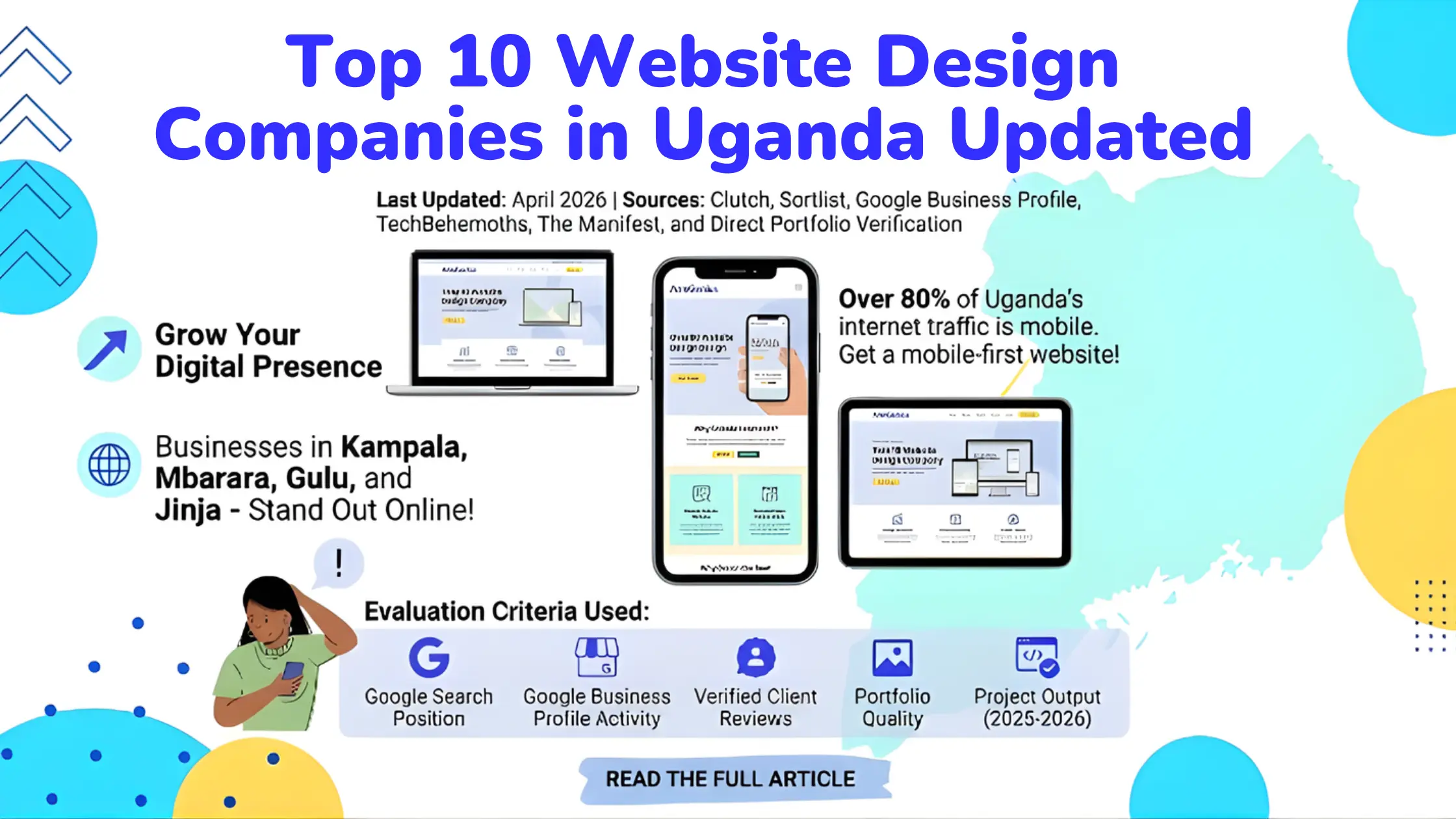
Uganda has a growing pool of talented web development companies. These five agencies have strong track records, verifiable client work, and the skills to handle projects of any size.
1. ArmGenius
ArmGenius specializes in website design and development, SEO, and digital marketing. Their team focuses on results: more traffic, more leads, and better online visibility. They also share free resources to help Ugandan businesses grow online.
2. Smart Choice UG
Smart Choice UG delivers comprehensive website development services for businesses of all sizes. Their client reviews consistently highlight quality work and clear communication.
3. IGENO Agency
IGENO Agency builds custom websites, mobile applications, and digital marketing strategies. They focus on solutions that help internet businesses grow.
4. Maniflex
Maniflex is a full-service agency covering web development, app development, logo design, and graphic design. They help businesses build a complete online presence.
5. Othware
Othware builds websites and applications with a focus on scalability. They work with businesses across multiple industries and prioritize long-term digital solutions.
Not sure how to choose between them? Read the ArmGenius guide on choosing the right website design company in Uganda before you decide.
Can You Build a Website for Free in Uganda?
Yes. If you are on a tight budget, you can build and host a website for free. ArmGenius published a detailed guide on how to create a free website with free hosting in Uganda. It walks you through the full process without spending a single shilling.
Free options are good for testing and learning. As your business grows, upgrading to a paid plan gives you more control, better performance, and stronger branding.
The Website Development Process: From Idea to Live Site
A clear process keeps your website development project on track. Whether you are building it yourself or working with an agency, these are the six stages every website goes through.
- Planning: Define your goal, target audience, and the content your site needs.
- Design: Create wireframes and visual mockups. Decide on colors, fonts, and layout.
- Development: Write the code or use an AI tool like Lovable or Bolt.new to build the site.
- Testing: Check how the site performs on different devices, browsers, and connection speeds.
- Launch: Move the site to your live server and connect your domain name.
- Maintenance: Update content, fix bugs, monitor security, and improve performance over time.
Should You Hire a Developer from India?
If local options do not fit your budget or timeline, you can hire a dedicated developer from India through platforms like Enstacked. Indian developers are globally recognized for their technical skills and competitive rates. This is a practical option for Ugandan startups and businesses that need specialized skills quickly.
What Is an IP Address?
An IP address is a unique number assigned to every device connected to the Internet. It works like a postal address for your device. When you visit a website, your browser uses the IP address of that website’s server to find and load the content.
Every website has an IP address. When you register a domain, that domain points to the IP address of your hosting server. Users type your domain name, and the DNS system directs them to the right server.
Final Thoughts: Website Development Is Open to Everyone
Website development in 2025 is more open than it has ever been. AI tools handle the hard-coding. Drag-and-drop builders handle the design. Affordable hosting makes going live simple. You do not need a computer science degree to build something great.
Whether you are a student in Kampala learning to code for the first time, a business owner who needs a professional website, or a developer using Cursor and Claude Code to ship faster, the tools and knowledge you need are available right now.
Start with the basics. Use AI tools to accelerate your learning. And if you want a team that combines creativity with results, ArmGenius is ready to help. They have the experience, the track record, and the passion to turn your digital vision into a real, working website.
| Ready to start? Book a free consultation with ArmGenius at armgenius.com/contact |